
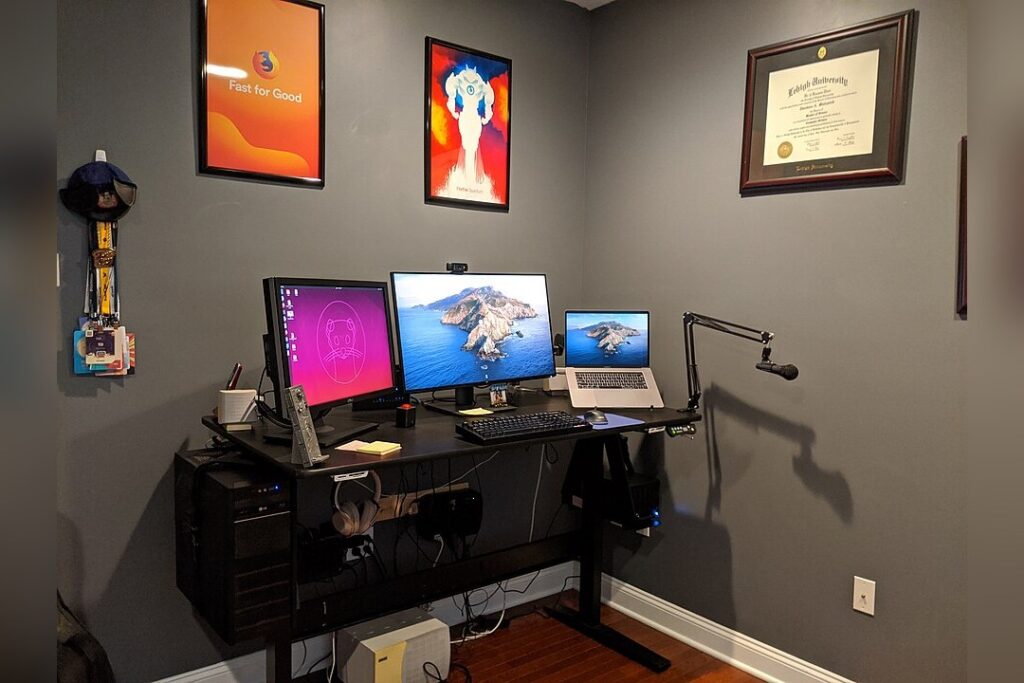
LONDON, October 8 — The story begins with a growing concern among remote workers: aching necks, sore shoulders, and tired eyes after long hours at makeshift home desks. What unfolded in recent occupational health research is a clear path to relief through simple, low-cost adjustments grounded in ergonomic science. At its heart, the findings show that improper workstation setup contributes to musculoskeletal discomfort in up to 60% of remote workers, especially when laptops are used on flat surfaces for extended periods.
Experts from studies published in Applied Ergonomics and the International Journal of Industrial Ergonomics recommend neutralizing posture as the first line of defense. To reduce neck flexion and eye strain, the top of the computer monitor should be positioned at or slightly below eye level, about an arm’s length away.
This can be achieved affordably — using a stack of sturdy books or a $15–$25 adjustable laptop stand brings monitor elevation under $30. Pairing this with an external keyboard and mouse, available for as little as $20 combined, allows users to keep elbows at 90 degrees and wrists straight, lowering the risk of carpal tunnel syndrome and tendonitis. Chair selection is critical.
A seat that supports the lumbar curve, keeps feet flat on the floor or footrest, and allows thighs to remain parallel to the ground is ideal. A basic ergonomic task chair costs $100–$150, but a sturdy dining chair can be adapted with a $10 lumbar cushion and a folded towel or foam pad to raise the hips slightly above the knees.
Lighting should blend ambient room light with a focused task source to cut glare and contrast stress. A $15 LED desk lamp with adjustable brightness and color temperature meets IESNA standards for office work. Energy efficiency is boosted by using ENERGY STAR-certified devices, smart power strips that eliminate phantom load, and placing the workstation perpendicular to windows to minimize glare while capturing circadian benefits.
Access to natural light has been linked to a 15% increase in reported productivity and better sleep quality, according to research from Cornell University’s Department of Design and Environmental Analysis. Cable management using $5 adhesive clips or zip ties improves safety and order. Microbreaks every 30 minutes — standing, stretching, or walking for 60 seconds — help reduce discomfort and sustain focus.
The full setup can be assembled for under $200 using secondhand furniture, discount retailers, or repurposed household items, making ergonomic principles accessible across budgets. These steps align with OSHA and HFES guidelines, which stress adaptability, user feedback, and low-cost interventions as core to sustainable home office design.
Looking ahead, the emphasis remains on empowering workers to tailor their spaces through observation and adjustment, ensuring comfort and performance evolve together.